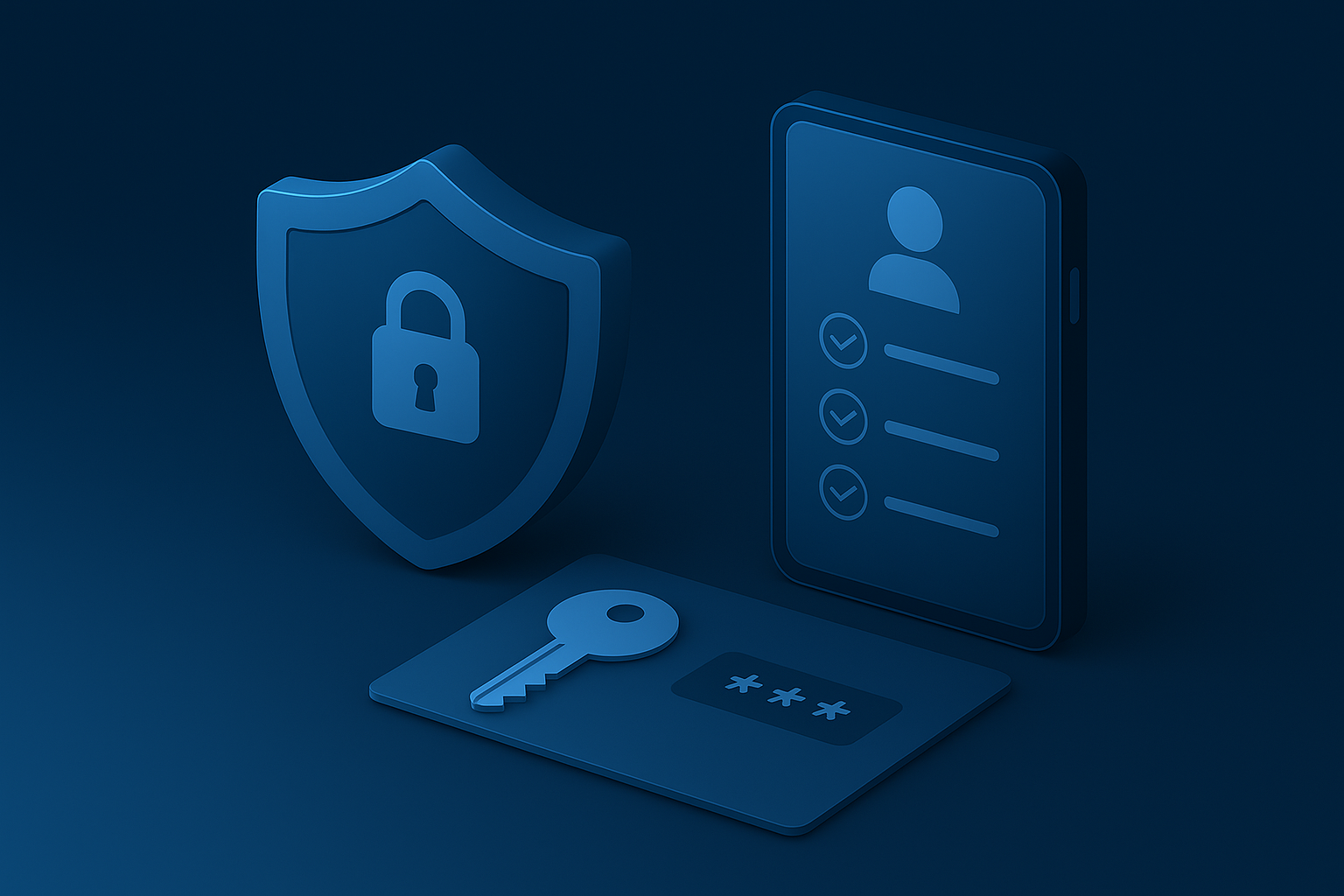
Identity security has quietly become the most important part of modern cybersecurity. Over 70% of breaches now start with a compromised account — not a missing patch, not an unprotected server, but simply someone logging in who shouldn’t be there.
That shift has forced businesses to rethink everything they thought they knew about passwords, MFA, and user access. The old rules no longer apply, and sticking to them leaves your business exposed.
Here’s what’s changed, and what SMEs need to do differently.
For years, the advice was simple: use long, complex passwords and change them frequently.
Today, that approach is outdated — and in many cases, it creates more risk than it prevents.
Why?
People reuse passwords across personal and business accounts
Frequent resets lead to predictable patterns
Passwords are easily phished or stolen
Attackers buy leaked credentials rather than “guessing” them
The problem isn’t that passwords are too short — it’s that passwords are no longer fit for purpose as the primary layer of identity protection.
By now, most organisations have MFA enabled somewhere… but not necessarily in the right way.
Traditional MFA (like SMS codes) is vulnerable to:
SIM swaps
MFA fatigue attacks
Social engineering
Phishing attacks
Microsoft’s guidance is clear:
Move away from weak MFA and towards phishing-resistant authentication.
That means:
Authenticator apps instead of SMS
Number matching instead of simple approvals
Conditional access policies guiding where and when MFA is needed
But the biggest modern upgrade goes beyond MFA entirely.
Passkeys are one of the biggest steps forward in identity security in decades, and in 2025 they’re no longer “experimental” — they’re becoming the new default.
A passkey replaces your password with a cryptographic key stored securely on your device.
No typing.
No remembering.
No phishing.
No stolen credentials.
Why passkeys change the game:
They can’t be phished
They can’t be reused across accounts
They aren’t stored in a database attackers can breach
They reduce friction for users
For SMEs, enabling passkeys in Microsoft 365 and key business apps is now a highly recommended step — and one that dramatically cuts the risk of account compromise.
Passkeys don’t remove MFA — they reduce the need for it because the login method itself is inherently secure.
With teams working from anywhere, using multiple devices, and relying on cloud apps daily, the old “firewall-first” model doesn’t work anymore.
Security now follows the user — not the network.
The most secure SMEs in 2025 do three things exceptionally well:
Are they who they claim to be?
How risky is this login attempt?
Is it trusted?
Is it compliant with your security standards?
Is the sign-in unusual?
Is the location suspicious?
Is the behaviour risky?
Access is granted or restricted dynamically, based on real risk — not guesswork.
If there’s one configuration that delivers the biggest security improvement with the least disruption, it’s conditional access.
With the right policies, you can:
Block risky sign-ins automatically
Require MFA only when needed
Enforce passkeys on compliant devices
Prevent unknown or unmanaged devices from accessing data
Stop attackers using stolen credentials
It’s smarter, more adaptive security — not more effort.
For a modern, resilient identity setup:
Enable MFA everywhere (using authenticator apps)
Replace SMS codes entirely
Turn on number matching
Implement conditional access
Enforce trusted, compliant devices
Reduce reliance on password rotation
Phase in passkeys for high-risk accounts first
Educate users on phishing and MFA fatigue
Regularly review admin roles and permissions
Disable legacy authentication
This is no longer a “big business” strategy — SMEs can adopt all of it with the tools already included in Microsoft 365 Business Premium.
Identity is now the front door to your business, and attackers know it.
But with the right combination of passkeys, strong MFA, and intelligent access policies, it becomes one of the easiest parts of your security to strengthen.
If you’d like help implementing passkeys, reviewing your identity setup, or upgrading your MFA and conditional access strategy, our team can guide you through exactly what’s needed — without disrupting your day-to-day operations.
We help businesses modernise identity, reduce risk, and put the right controls in place without slowing people down.
We use cookies to help the site work properly and to understand how people use it. They’re safe and help us improve your experience.
Click “Accept” to agree, or “Decline” if you’d rather not - your choice.